_RGB-Apr-30-2025-10-31-45-8330-AM.png?width=152&height=42&name=SHINING%203D%20DENTAL%20LOGO%20(OS)_RGB-Apr-30-2025-10-31-45-8330-AM.png "SHINING 3D DENTAL LOGO")

.jpg "SHINING 3D DENTAL Logo")

Overview
This article explores single and dual impression post & core restoration case examples. We used an AutoScan-DS-EX Pro blue light 3D scanner with exocad software. Since exocad does not feature the post & core design process, we defined the restoration type as a telescope crown. This helped avoid undercut.
Single Post & Core Case Study
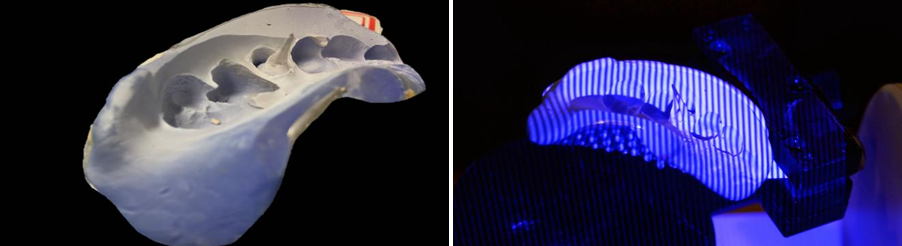
1. Single Post & Core impression Scan
Scan the single Post & Core impression with DS-EX 3D scanner and get the scan data.
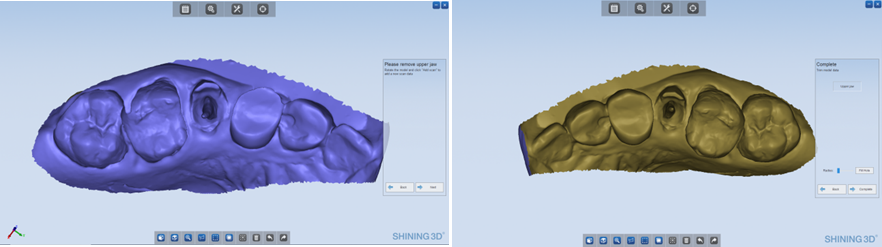
2. CAD Design
Import the scan data into exocad directly and start designing.
3. Printing
-
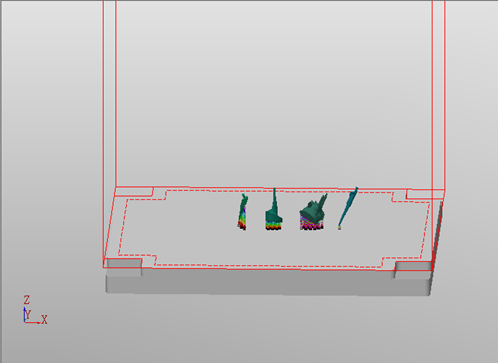
1. Setting -
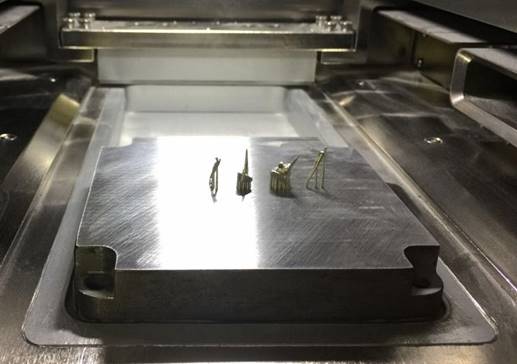
2. Printing -
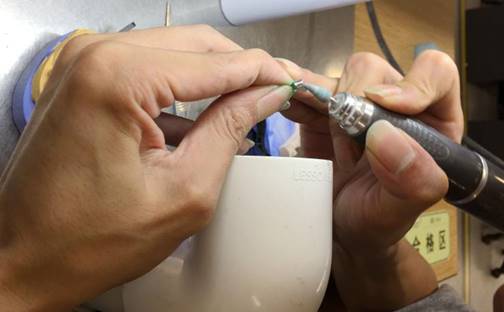
3.Use line cutting to cut the post&core from the metal plate. -
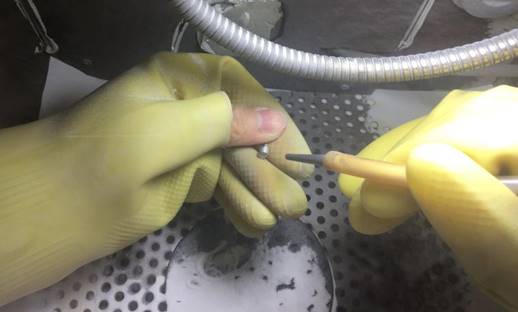
4.Then polish the Post&Core and blast it.
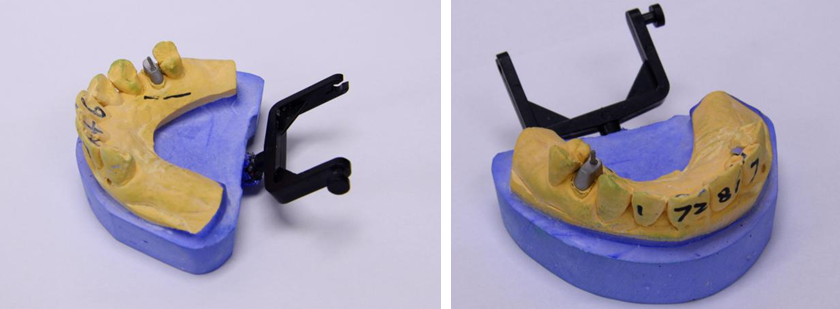
4. Try-in
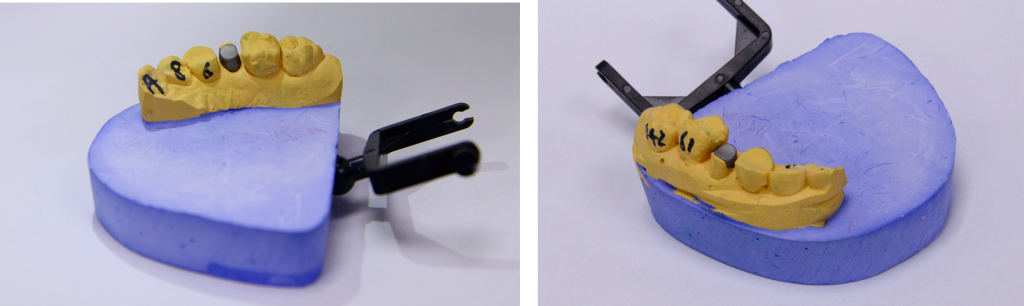
Dual Post & Core Case Study
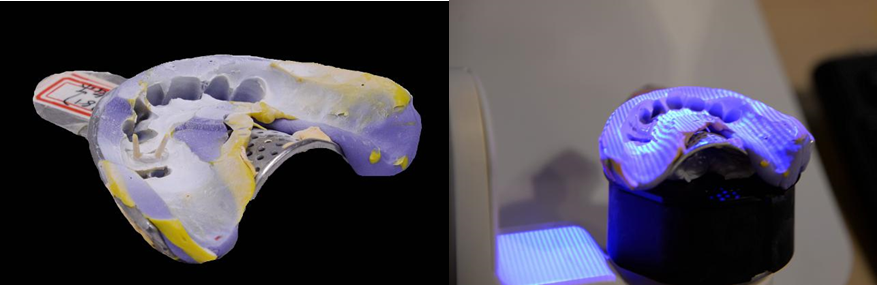
1. Impression scan
Scan the impression with DS-EX scanner and get the scan data.
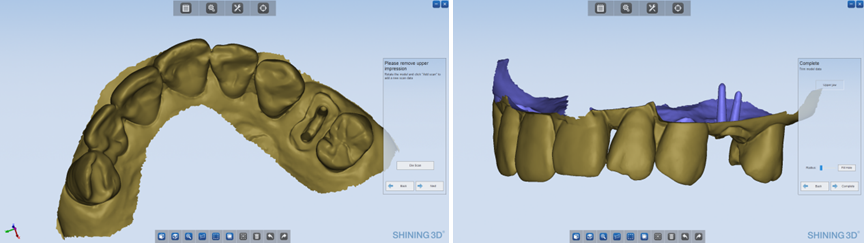
2. Design
Import the scan data into exocad directly and start designing.
3. Printing
4. Try-in
Share this on Social Media: