_RGB-Apr-30-2025-10-31-45-8330-AM.png?width=152&height=42&name=SHINING%203D%20DENTAL%20LOGO%20(OS)_RGB-Apr-30-2025-10-31-45-8330-AM.png "SHINING 3D DENTAL LOGO")

.jpg "SHINING 3D DENTAL Logo")

Abstract
Nowadays, data transmission is commonly used and no logistic delivery is involved. Nonetheless, the actual models are still required in the subsequent process.
Thus, either virtual intraoral scanning data or impression scanning data is required for model creation and 3D printing.
Implants are one of the most common restoration types that adopt either intraoral or impression scans to acquire data for digital design and printing.
1. Data acquisition
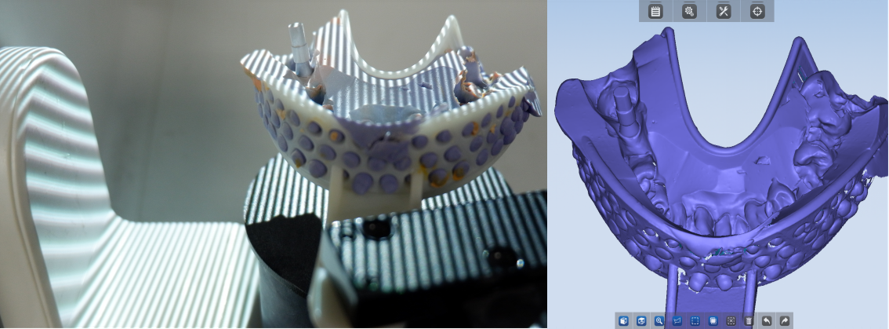
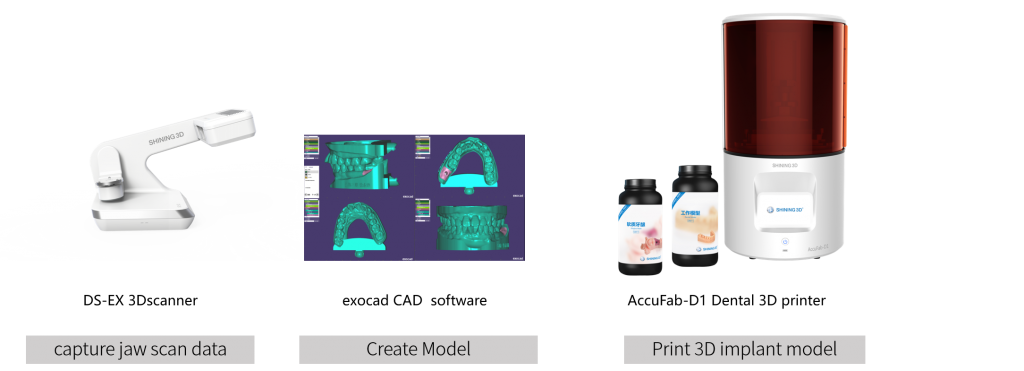
Utilize the DS-EX scanner (impression scan) to obtain the “jaw scan” data.
Note: Make sure the characteristic face is on the buccal or lingual side for complete acquisition.
2. Load 3D data
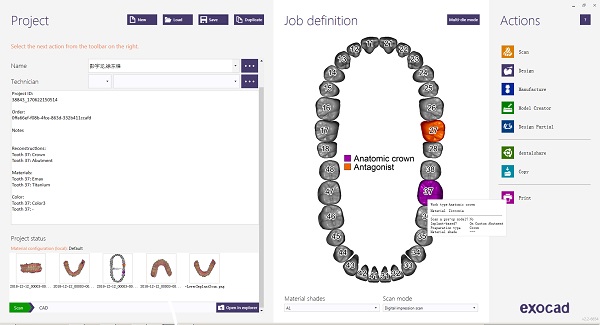
Open Exocad software and click “Load”. Then, select to load the data.
Data requirements:
A. Upper jaw and lower jaw are in occlusion & Scanbody is captured completely.
B. Adjacent teeth should be redefined into antagonists after loading the data
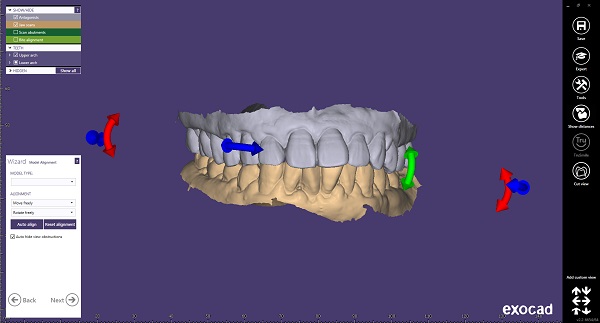
3. Design
-
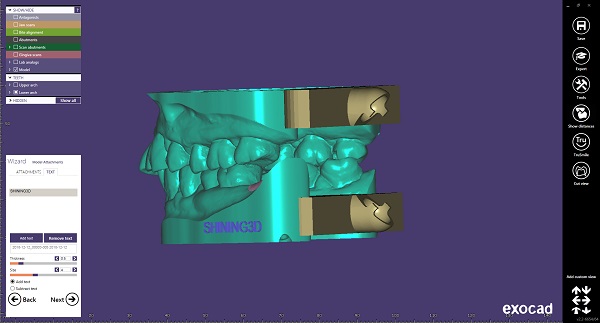
(10) Finish model creator
3. Printing & Assembly
-
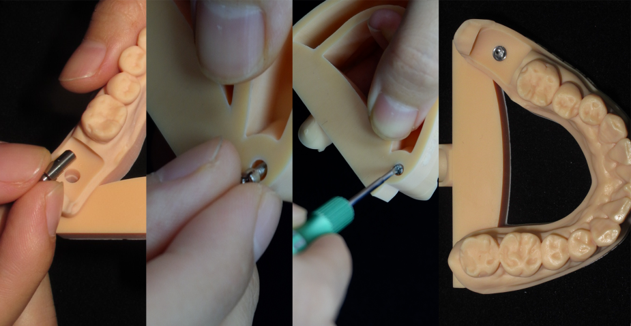
(1) Place the analog -
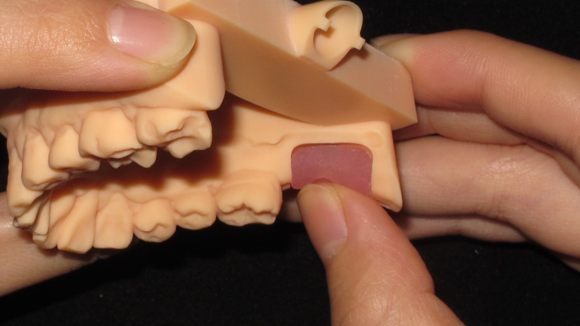
(2) Place gingiva mask -
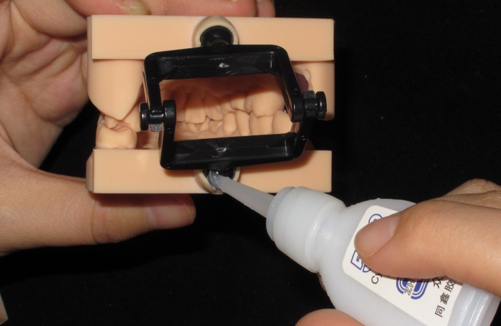
(3) Assemble the simple articulator -
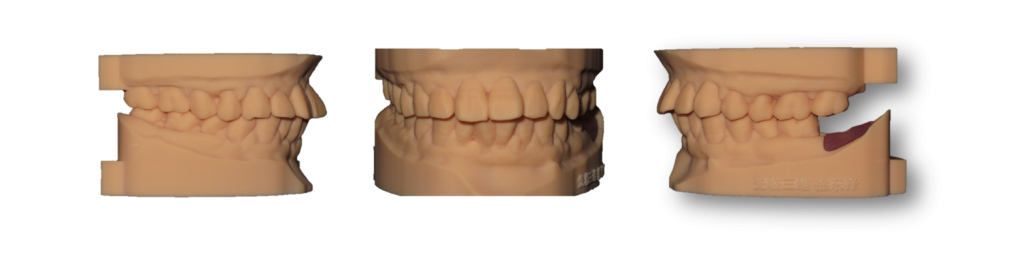
4. Complete -
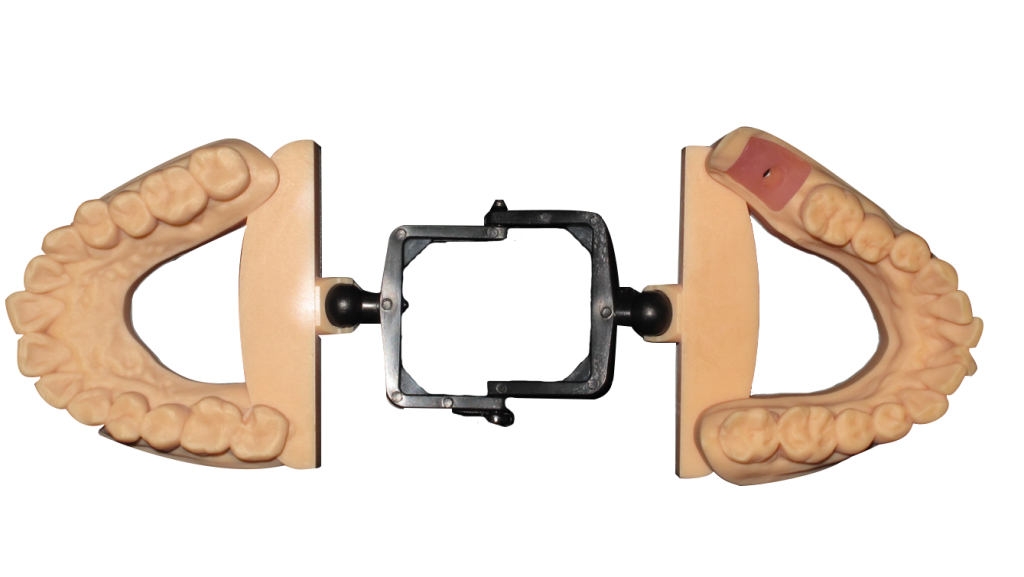
4. Complete
Solution for 3D implant Model
Share this on Social Media: